Use case · WISP & fixed-wireless
A subscriber edge that starts small.
A fixed-wireless or small ISP network does not need a chassis or a tuned server to run a real BNG. Netavo BNG runs on modest hardware or a plain VM on the AF_XDP compatibility path — IPoE subscribers, integrated CG-NAT and RADIUS — and moves onto the DPDK performance path as the base grows, with the same software throughout.
Many WISPs and small ISPs start with a few hundred subscribers at a single site. A chassis is overkill and a performance-tuned server is premature. The AF_XDP compatibility path runs on virtually any adapter — including a VM's virtio — with no special BIOS, so the first deployment can be a virtual machine.
IPoE terminates the subscribers, integrated CG-NAT stretches a small public allocation across them, and RADIUS handles auth and accounting. It is the same single configuration file a large operator runs, with smaller pools.
Growth is a path change, not a migration: when a site outgrows the compatibility path, move to DPDK on a validated adapter for 10G and beyond. The configuration, the CLI and the management portal are identical.
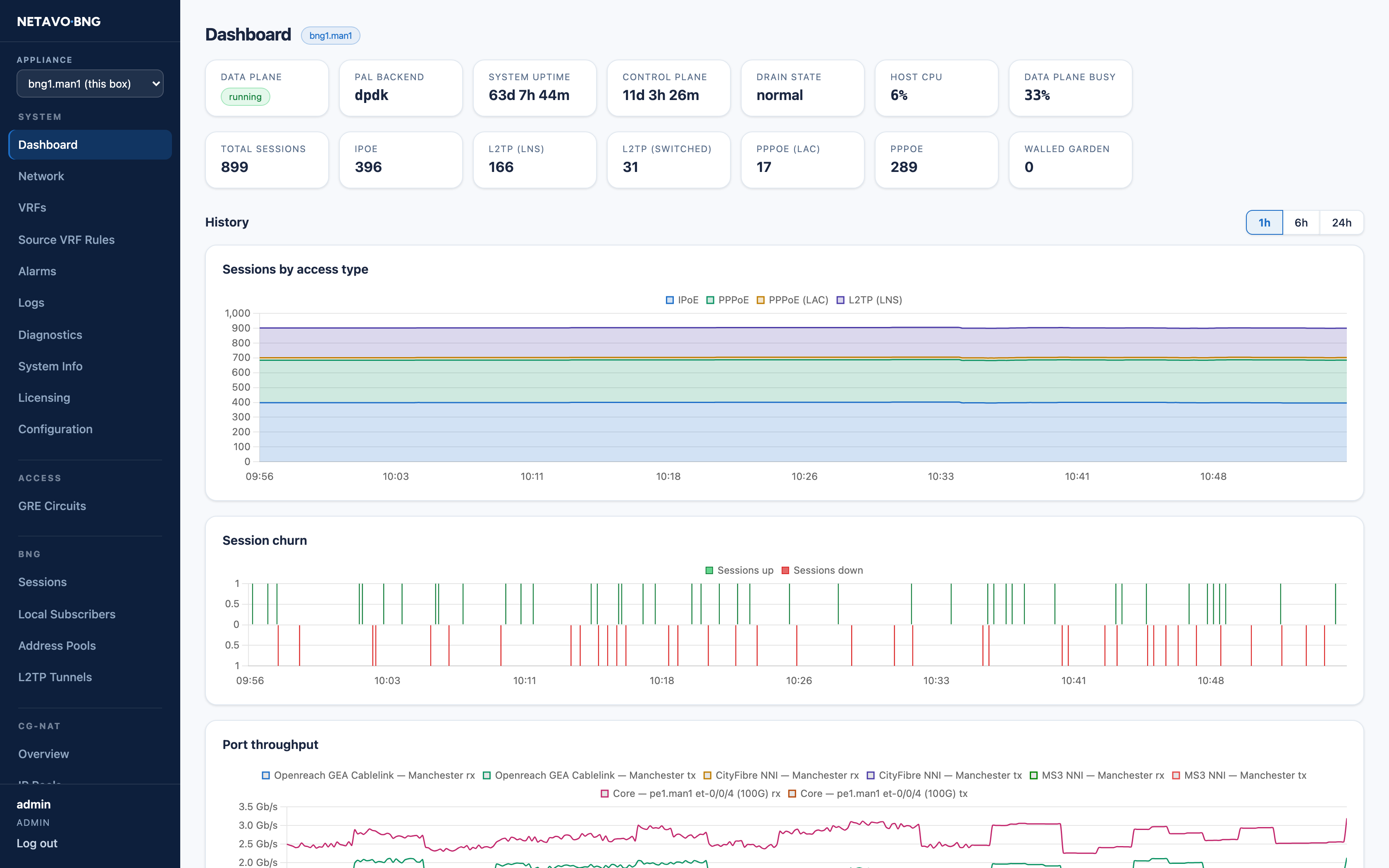
A small deployment — a few hundred subscribers on modest hardware, same portal as a large one.
A subscriber interface with no PCI address runs on the kernel AF_XDP path, so it works on virtio and commodity adapters alike. ipoe terminates the lines, a small cgn group gives them public reach and auth points at RADIUS.
Nothing here is a cut-down edition. The same keys scale to a national deployment; only the pool sizes and the I/O path differ.
A subscriber interface with no pci runs on AF_XDP — virtio and commodity adapters included.
A virtual machine on the compatibility path: virtio adapters on AF_XDP, no hugepages or IOMMU required.
A few hundred IPoE subscribers on the same software and CLI a large operator runs.
Start on a VM.
The compatibility path runs on virtio and any standard adapter with no special BIOS, so the first BNG can be a virtual machine on hardware you already have.
CG-NAT included.
Integrated carrier-grade NAT stretches a small public allocation across the whole base, so a /27 of public space can serve the site.
Grow by changing path.
Moving to the DPDK performance path on a validated adapter is a configuration and hardware step, not a product migration or a new licence.
Same software as the big deployments.
The configuration, CLI, API and portal are identical to a national deployment, so what you learn at a few hundred lines still applies at scale.
Start on a VM.
Start a free evaluation on a virtual machine and terminate a test line, or read the requirements guide for the compatibility and performance paths.